
Check a Naples Warrant
For a Naples citation or court order, begin with the court named in the paperwork, not the police concern form or City Hall. Keep the court and case number together because the Naples page presents separate accounts for Naples City, Uintah County, and Vernal City. For a police incident record, use Naples Police’s city records route.
- Read the issuing court and citation or case number from the original notice.
- Use the Naples court page to select the matching court-labeled CORIS route.
- Call the justice-court clerk if the case or warrant status is unclear.
- Use Naples Police or city records only for a police-held report or related record.
- Check Utah BCI for a broad warrant search and confirm any match with the issuing court.
Choose the Correct Naples Warrant Court Link
The official Naples court page links to three court-specific CORIS destinations: Naples City Justice Court, Uintah County Justice Court, and Vernal City Justice Court. Match the label to the court printed on the citation.
These vendor-hosted pages are linked for payment or case navigation; they are not a complete public warrant roster. A receipt documents a transaction, not a judge’s order recalling a warrant. If a court label or balance does not match the notice, stop and call the clerk before submitting payment.
Naples Warrants and Police Records
Naples Police handles city law-enforcement contacts and records, while the justice-court clerk handles case entries and court orders. The Naples court page names Judge Ray Richards and routes justice-court business to the Vernal location. That split matters when the underlying question is whether a case produced a warrant rather than what an officer documented.
For a warrant question, use the court route and exact case number. For a police report, call the department or use the city’s records process. A Naples police contact cannot independently recall a court warrant, and the county Sheriff does not maintain every municipal case file.
Naples Police Tips Are Not Records Requests
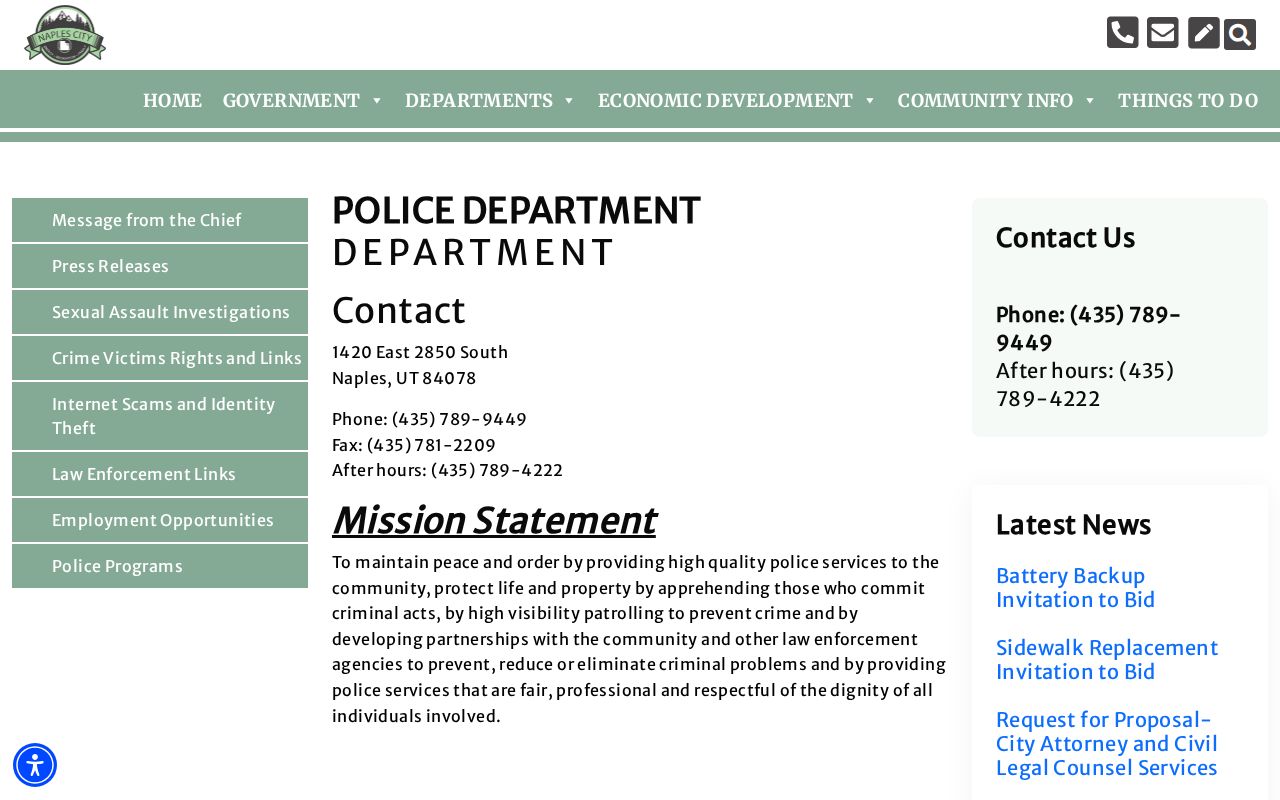
The Naples Police Department is listed at 1420 E 2850 S and publishes 435-789-9449, with 435-789-4222 for after-hours dispatch. Its online “Concerns, Comments & Tips” form asks for the location, details, name, email, phone, and a CAPTCHA. The form is for concerns or tips, not a formal public-record request.
For a copy of a police record, contact the city’s records custodian and ask how to submit a records request. Do not put private case details into a tip form as a substitute for a court call or records application.
Types of Naples Warrants
A Naples address alone does not identify the issuing court. A citation may be handled in justice court, a more serious criminal matter can go to district court, and a search warrant concerns a place or item rather than an arrest. Check the court field before using a portal.
| Warrant Type | How It Arises | Who Issues It |
|---|---|---|
| Traffic or citation FTA | Unanswered citation or missed court date | Court named on the citation |
| City ordinance case | Municipal-code allegation within court authority | Justice court handling the case |
| Arrest warrant | Judge-authorized process after probable-cause review | Issuing justice or district court |
| Search warrant | Authorization to search a specified place or item | Issuing judge; not an arrest order |
Naples FTA Warrant: Court First
The Naples court page routes justice-court work to 641 E 300 S in Vernal, where the listed office hours are 9 a.m. to 4 p.m.; fines may be paid at the Justice Court from 8 a.m. to 4 p.m. A city name on a ticket does not mean the clerk’s counter is at Naples City Hall.
If you missed a setting, call the court using the case number and ask whether a bench warrant issued and what the court requires. Rule 4B governs citation-related failure-to-appear warrants, but the court must answer for the specific case. No Naples warrant amnesty day or walk-in clearing schedule was located.
What a Naples Warrant Record Shows
A case screen or docket entry may identify the court, number, party, charge, balance, hearing, and a warrant event. Check these fields together. Payment amount does not necessarily equal bond, and an old warrant entry may not show a later recall. Ask the clerk to verify present status before relying on an online result.
| Warrant / Cause Number | Use the exact number; do not choose a payment route from the city name alone. |
|---|---|
| Subject Name | Confirm spelling and identifiers with the clerk if more than one person may match. |
| Charge / Offense | Read the docket label and ask the court about unfamiliar shorthand. |
| Issuing Court | Match Naples City, Uintah County, Vernal City, or district court. |
| Bond / Fine Amount | Ask whether a displayed amount is bond, fine, fees, or payment balance. |
| Status | Request current clerk confirmation; portal history can lag. |
No Naples Warrant List Was Located
The official Naples Police and city court pages reviewed do not publish a Naples active-warrant or most-wanted roster. The police concerns form is not one, and CORIS payment routes should not be described as warrant searches. For an individual check, use the Utah BCI statewide page and verify a possible result with the issuing court.
Naples and Uintah County records can sit with different custodians. Ask whether a requested police, service, jail, or court record is held by the city, county, or court before requesting copies. A missing public roster is not proof that no order exists.
Naples Warrant Payments Need Court Confirmation
The three CORIS options are labeled for different courts, and the public-facing payment interface does not establish that a warrant has been recalled. Check the citation number and the court name before using a payment route. If either detail conflicts with the case paperwork, pause and call the justice-court clerk.
After a court-directed payment or appearance, ask what record will show the updated status and when it should appear. Keep the receipt and any written court instruction, then verify the case with the clerk if the online entry still appears unchanged.
Where Naples Warrants Fit With Uintah County
The county Sheriff may hold records of its own service or custody activity, while the Naples court route concerns the court and the statewide BCI search is a separate public starting point. None replaces the court’s authority to confirm and update its order.
Warrant flow: Naples court case or Naples Police record › Uintah County Sheriff only for county-held activity › Utah Statewide Warrants search
For county-level procedures, see Uintah County warrant records and the warrant-search routes. Keep the issuing court attached to the case number when asking for confirmation.
Naples City and County Records Stay Separate
Naples Police is at the city address on 1420 E 2850 S, while Uintah County Sheriff and jail functions use the Public Safety Complex in Vernal. If an officer’s agency or the record type is unclear, ask who created it and who maintains the file. The city police concerns form should not be sent a county jail or Sheriff request.
County GRAMA forms ask which office should receive a request. Describe the date, event, record type, and likely custodian so a county service record is not confused with a court docket or a Naples Police report.
Public Access to Naples Warrant Records
GRAMA gives access to many government records, but it does not promise disclosure of every case detail. Court-access rules and record classifications can limit juvenile, sealed, private, or protected information. A public-record request can seek a record from its custodian; it cannot clear a warrant or force a court to change its docket.
For court status, contact the justice-court clerk; for a Naples Police report, ask the city records custodian how to file a request. If a request is denied or limited, ask the office to identify the basis and available review process.
Key Rules:
Utah Code § 63G-2-201 - sets the public-record access baseline, subject to statutory exceptions.
Utah Rule of Criminal Procedure 4B - addresses a court’s response to a citation-related failure to appear.
Utah Rule of Criminal Procedure 40 - covers search-warrant records and possible sealing or access limits.