
Search a Uintah County Warrant
The official public route is Utah BCI’s page for the Statewide Warrants search. BCI describes the service as a free search across Utah. A Uintah County result can point to a court elsewhere in the state, so record the issuing court and case number rather than assuming the Sheriff holds the case.
Use accurate details for your own check. A same-name result needs court confirmation, and an empty result is not a certificate that no warrant exists. The county Sheriff pages reviewed had no public roster or separate warrant desk number. For current legal status, call the issuing court.
- Use the BCI warrant information page to reach the official statewide search.
- Save the court, case or citation number, warrant type, and date if the result provides them.
- For district matters, use Eighth District case access or contact the Vernal clerk; for citations, call the justice court named on the paper.
- Ask the Sheriff for service or booking records only; use the county GRAMA form for those agency records.
- Confirm the current order with the issuing court before paying, appearing, or arranging a surrender with counsel.
Uintah County Warrant Portal Fields Are Unconfirmed
The BCI explanation links to the Statewide Warrants portal. The portal returned HTTP 403 during the source review, so its public field labels and result columns could not be inspected. The law-enforcement system manual describes restricted fields; those are not a public search specification.
Use the official route, but do not assume it asks for a particular combination of name, birth date, or case number. If the portal opens for you, read its own instructions and save the result date. Then contact the court shown in the record.
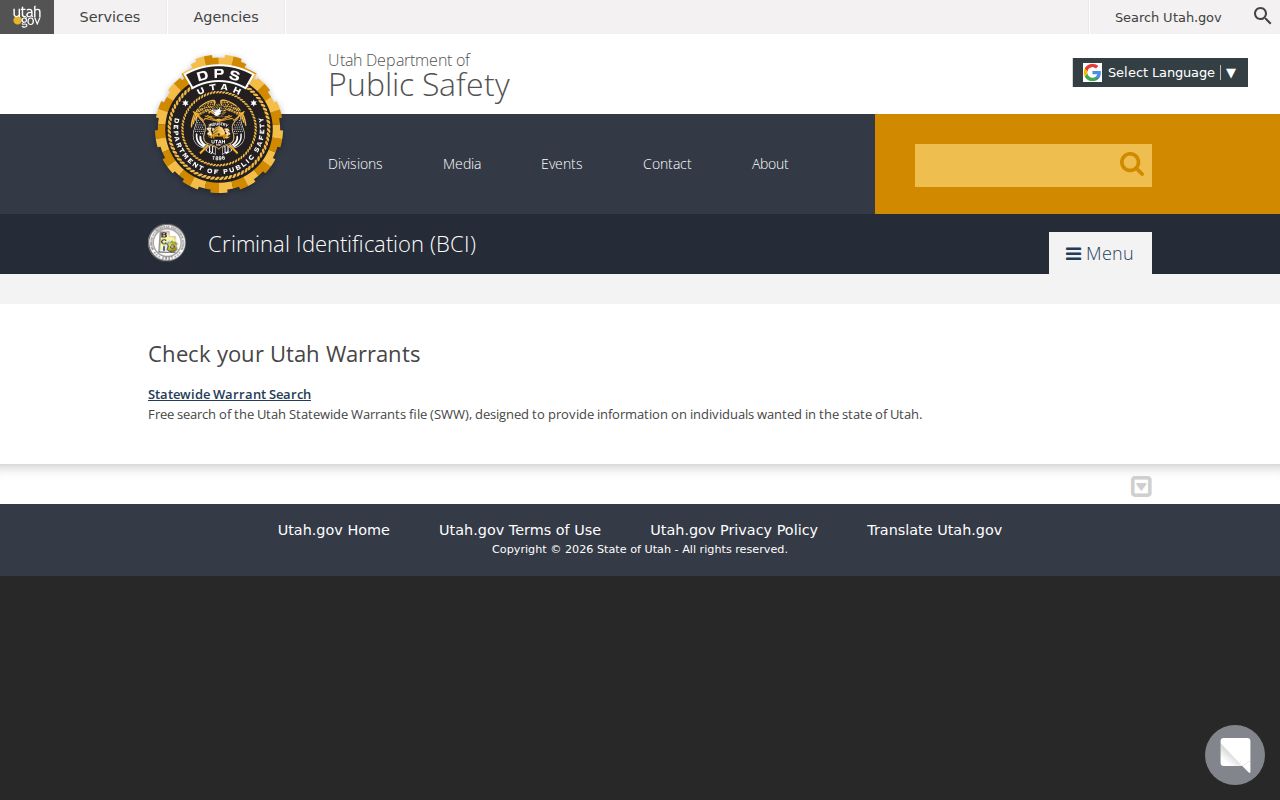
BCI’s explanation confirms the official search route; it does not expose the restricted operational screen.
Uintah County Warrant Search Fields
The public form could not be inspected in the review, so the table separates what official sources confirm from fields that remain unknown. Do not infer public access from the internal UCJIS manual.
| Public field | Source | Known? | Safe next step |
|---|---|---|---|
| Name or other identifier | BCI public portal | Not verified | Follow the live form’s own instructions. |
| Case or warrant number | Internal system manual | Not confirmed publicly | Ask the issuing clerk how to locate a public docket. |
| Date of birth | Internal system manual | Not confirmed publicly | Do not assume a public field from restricted documentation. |
| Court or status filters | Public interface not inspected | Unknown | Verify with the court listed on the case. |
Uintah County Warrant Cases in Xchange
Utah Courts’ Xchange provides public case-history access through a login or subscription route. It can help locate the court, case, judge, hearings, and public orders. It is not described as a complete active-warrant list, and juvenile, sealed, expunged, and other restricted matters may be excluded.
MyCourtCase serves parties and requires account setup and case-linking steps. Use it for a case you are entitled to access, not as a public name-only warrant roster. When a docket entry and statewide result differ, ask the issuing clerk which current record controls.
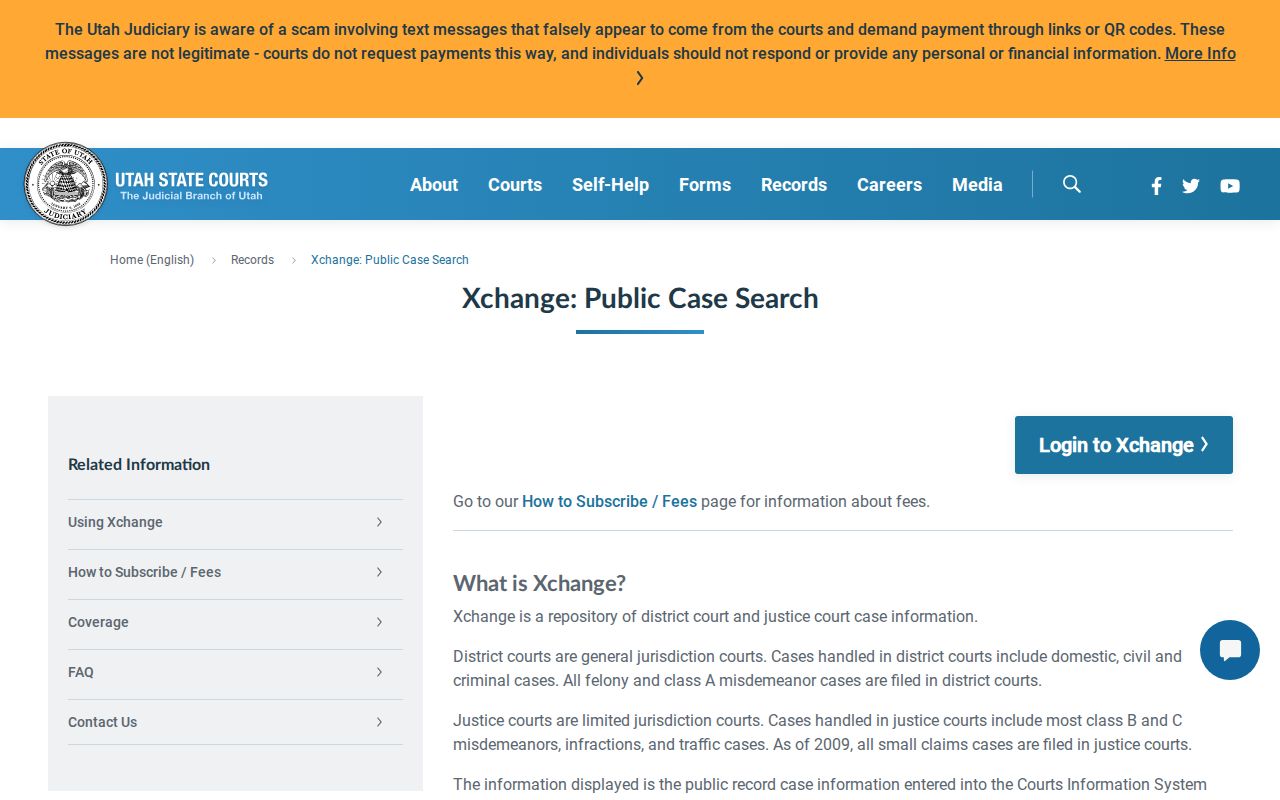
Xchange offers case history; the court clerk remains the contact for a current warrant question.
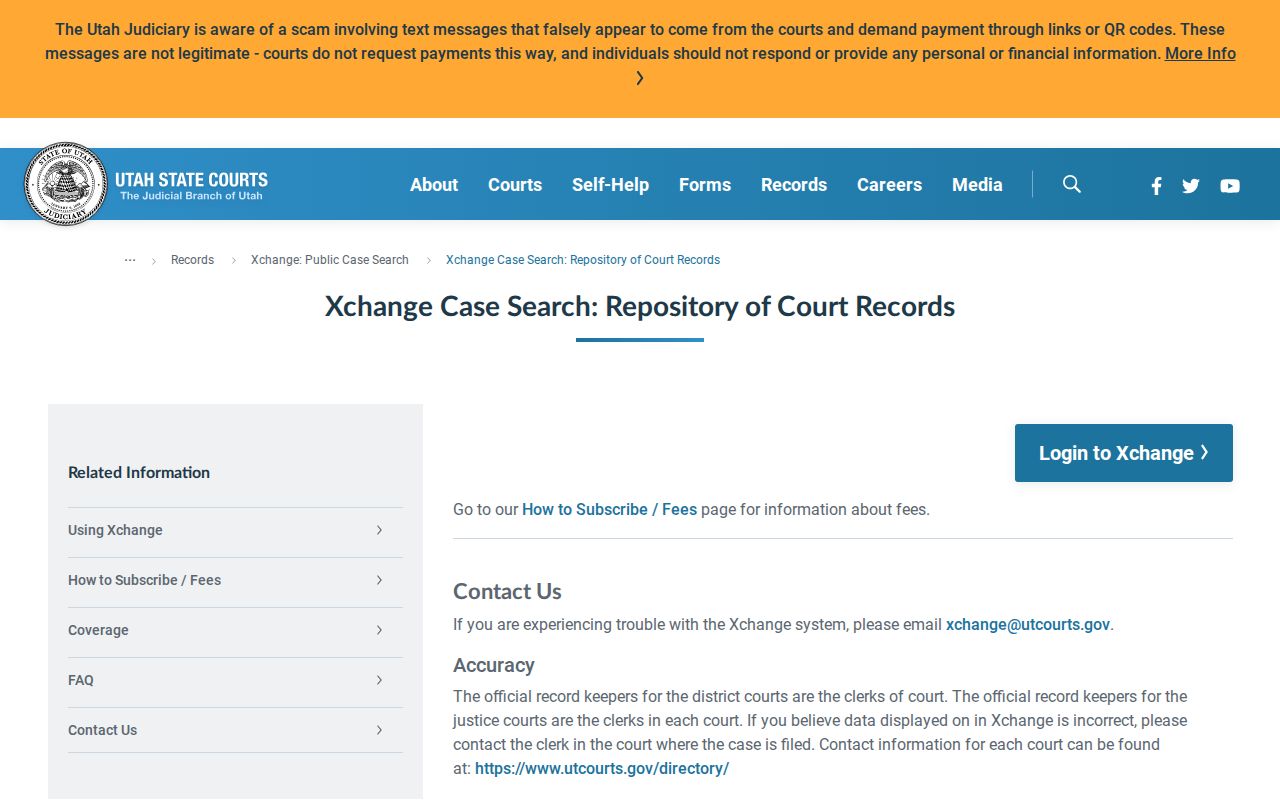
The court’s contact guidance distinguishes district and justice-court record keepers.
Uintah County Warrant Name Matches Need Review
One person’s name can resemble another’s. A public search result should not be treated as proof that the record belongs to you or a relative. Use the court’s identity-check process and provide a case or citation number when you have one.
The BCI manual describes operational identity tools that are not confirmed on the public site. Do not copy those fields into a public guide. The public route is the BCI page followed by verification from the court that issued the order.
Do not rely on a same-name result or an empty search alone. Ask the issuing court to confirm identity and current status.
What a Uintah County Warrant Search Returns
Read a possible match as a set of clues, not as a final status decision. The source may name a court or case, but the public portal’s exact result fields were not confirmed. Use the issuing clerk to resolve a conflict, confirm a recall, or learn what appearance the court requires.
| Case identifier | Court or citation number is useful for the clerk; no local public format was documented. |
|---|---|
| Issuing court | Use the exact court name to find the right record desk. |
| Case event | A citation response, hearing, order, or charge may appear in public case history. |
| Release terms | Ask the judge’s clerk about current terms; do not infer them from a balance due. |
| Warrant status | Confirm active, served, recalled, or cleared status with the issuing court. |
| Record access | Juvenile, sealed, expunged, and protected material can be excluded. |
Local Uintah County Warrant Search Gaps
BCI’s statewide search is the broad public starting point, but no separate Uintah County Sheriff, Vernal, Naples, or Ballard warrant roster was found. A city payment endpoint or police contact addresses another task and should not be treated as a countywide warrant lookup.
If the statewide result is blank or ambiguous, identify the court from the citation or case paperwork and ask the clerk to confirm. An online search can miss an update or a restricted case, so absence from a public page does not establish that no warrant exists.
Where Uintah County Warrants Are Checked
For a district case, use the Eighth District/Vernal clerk and Xchange. For a justice-court citation, start with the court named on the paper; the Vernal City Justice Court lists 435-781-5338 and office hours Monday through Friday. A Naples case may use a payment route labeled Naples, Uintah County, or Vernal City.
Ask Uintah County Sheriff’s Office about service, arrest, transport, or booking records. Its main/form number is 435-789-2511; the jail page lists 435-781-1300 for custody questions. Neither number should be presented as a warrant-status hotline.
GRAMA Cannot Replace Court Verification
Uintah County’s GRAMA route is for eligible records held by county offices. Its form asks which office should receive the request, what record is sought, and whether inspection or copies are requested. A narrow request for a Sheriff service report is easier to route than “all warrant records.”
The court controls its docket and any warrant recall. Use the county form for agency-created service or booking records, and ask the issuing clerk about the judicial order. The County Clerk/Auditor can help direct a request but was not identified as the keeper of criminal warrant files.
Access and Restricted Warrants
Utah GRAMA and court-access rules allow public access to some records while protecting others. A search warrant affidavit may be sealed, and juvenile, expunged, sealed, or private material may not appear in Xchange or a public response. A missing entry does not prove that a court has no record.
Key Rules:
Utah GRAMA, Title 63G, Chapter 2 classifies government records and sets the request framework.
Utah Rule 40 governs search-warrant process, returns, and sealing.
Utah Courts nonpublic-record guidance covers juvenile and other restricted files.